

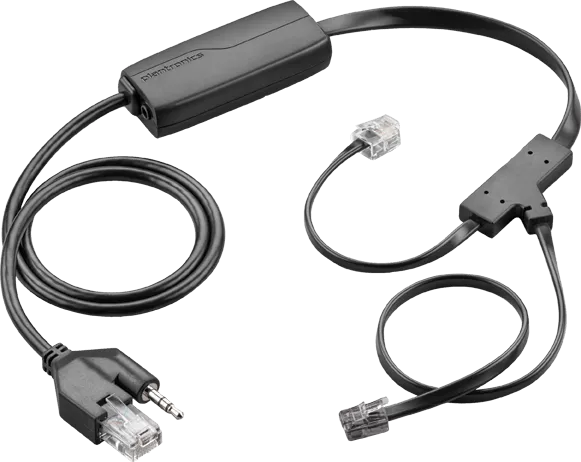

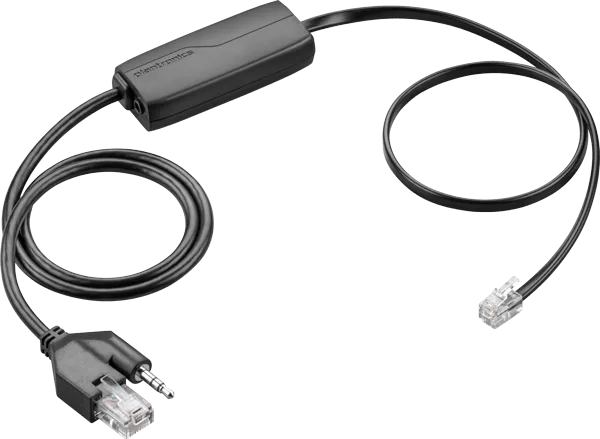
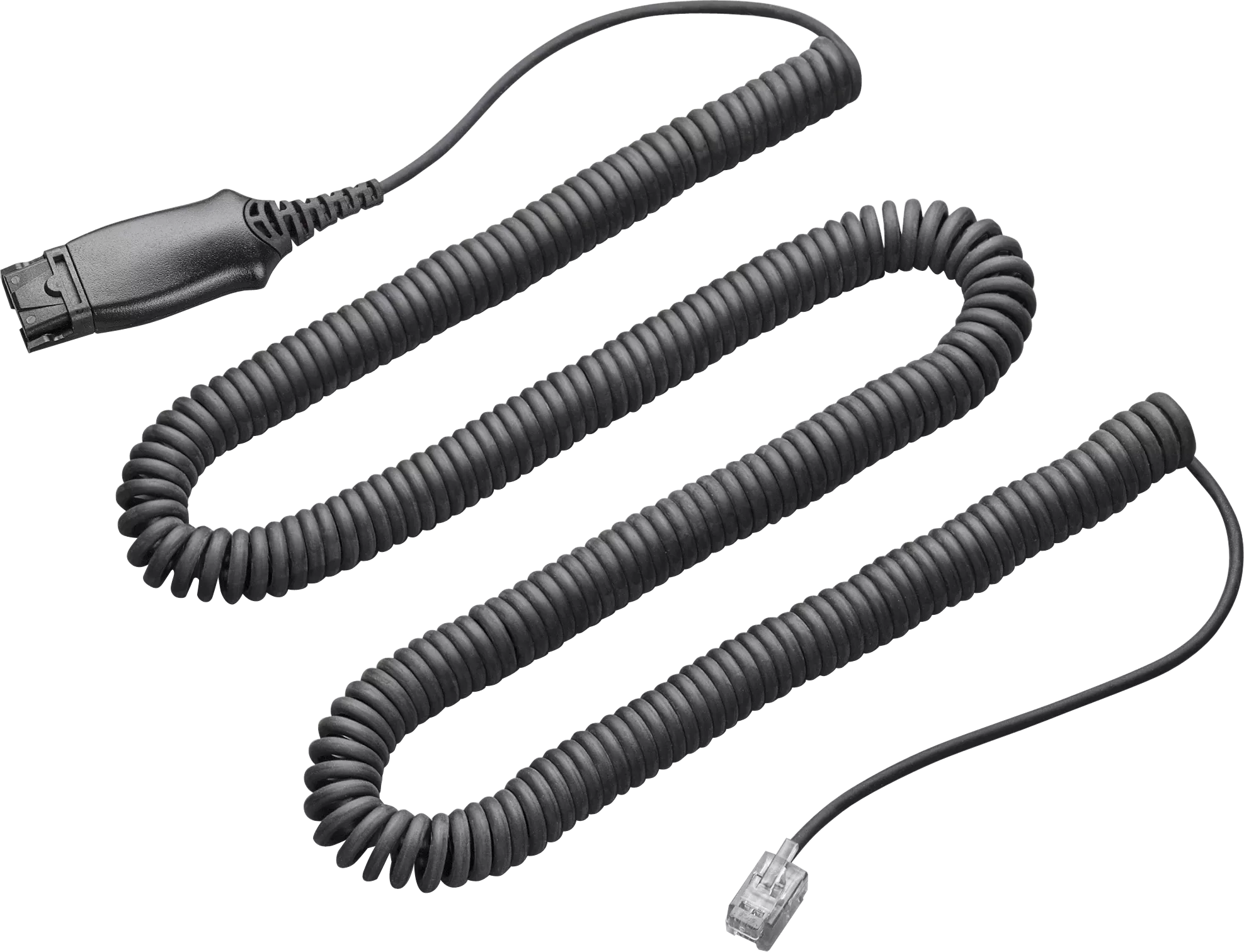
Electronic Hook Switch Cable for remote desk phone call control (answer/end). This cable eliminates the need for a HL10 Handset Lifter. This cable works with Avaya desk phones and may work with additional manufacturers, check with our Product Configurator for more information. Replacement Note: The APV-66 EHS cable replaces the APV-65 cable and features compatibility with the Plantronics On-line Indicator accessory.
Works With the Following Avaya Phone Systems:
- Avaya 2400 Series: 2420
- Avaya 4600 Series: 4610, 4610SW, 4620, 4620SW, 4621SW, 4622SW, 4625SW, 4630SW
- Avaya 5400 Series: 5420
- Avaya 5600 Series: 5610, 5620, 5621
- Avaya 1600 Series: 1608, 1616
- Avaya 9600 Series: 9620, 9630, 9640, 9650
Compatible Poly Wireless Headsets
The APV-66 Electronic Hook Switch (EHS) adapter is designed for use with various Poly (formerly Plantronics) wireless headset systems, providing full remote call control for a seamless, hands-free experience. Supported headset models include:
- CS500 Series: CS510, CS520, CS530, CS540
- Savi Series: Older Savi 700 Series models (W710, W720, W730, W740, W745) and legacy Savi Office models (WO100, WO200, WO300, WO350)
When paired with compatible desk phones, the APV-66 adapter allows users to answer and end calls directly from their headset, improving productivity and mobility in office and contact center environments.
How a hook switch works
A hook switch is like a smaller, smarter version of a handset lifter. It is an electronic switch that connects between your handset and your headset base station. When you press the appropriate button on your headset it sends a signal to your phone to answer or hang up on a call. This means you can now start or end conversations from anywhere in the office using your wireless headset, without having to return to your desk.
Unlike a handset lifter, a hook switch contains no moving parts which means they answer/leave calls much quicker than a lifter, and are also theoretically more reliable. However not all hook switches work with all phones, so make sure you choose the right model to work with your handset.



Reviews
There are no reviews yet.