
 Corded MS Teams Headsets
 Corded USB-A Headsets
 Corded USB-C Headsets
 Wireless MS Teams Headsets
 Wireless USB-A Headsets
 Wireless USB-C Headsets
 Corded Desk Phone Headsets
 Wireless Desk Phone Headsets
 Wireless Headsets
 Corded Headsets
 Personal Cameras
 USB & Bluetooth Speakerphones
 Group & Larger Room
 Personal & Small Room
 Accessories
 EPOS (Sennheiser)
 Jabra
Jabra Yealink
 Poly (Plantronics)


-
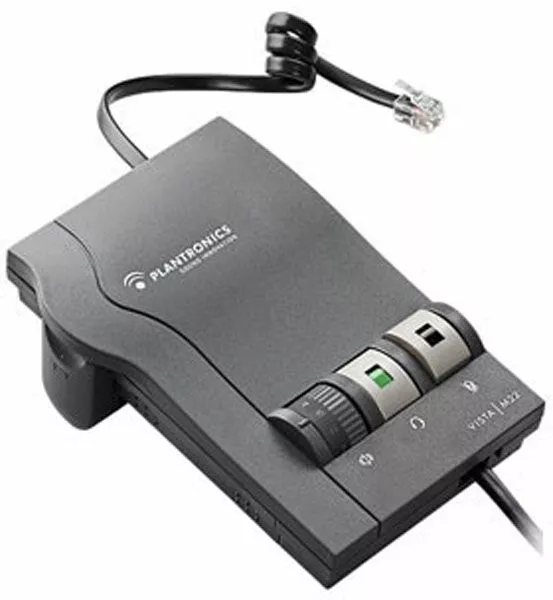
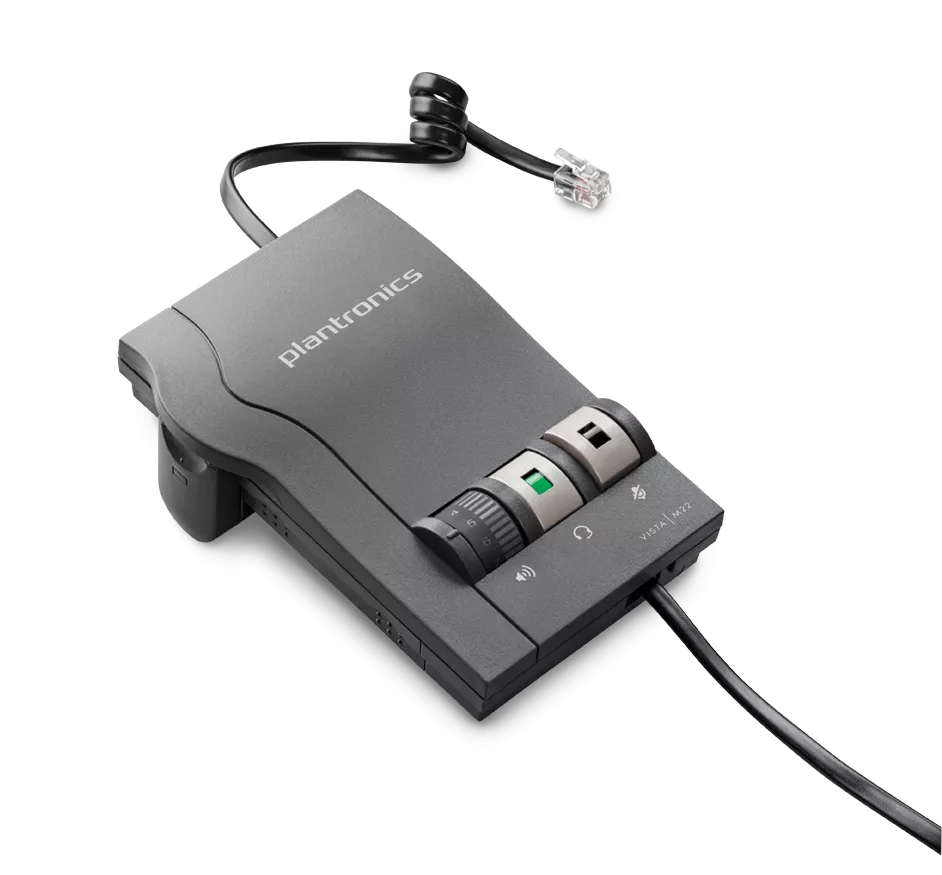
Poly M22 Vista Amplifier for H-Series Headsets – Poly 43596-64 or HP 85T20AA#AC3
Ideal for professionals the Poly M22 deskphone amplifier part # Poly 43596-64 or HP 85T20AA#AC3delivers precise levels of listening comfort, sophisticated hearing protection, and superior audio performance. The Vista M22 includes Clearline audio to improve call quality in any environment, especially wideband VoIP.
The amplifier includes near-universal compatibility with single and multi-line telephones, as well as ergonomically designed volume, headset/handset and mute controls. The Quick Disconnect feature between the amplifier and headset lets you move away from your phone without removing your headset or disconnecting the call.
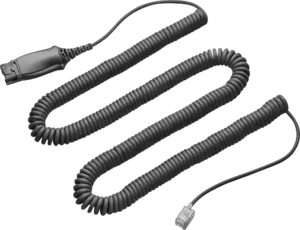
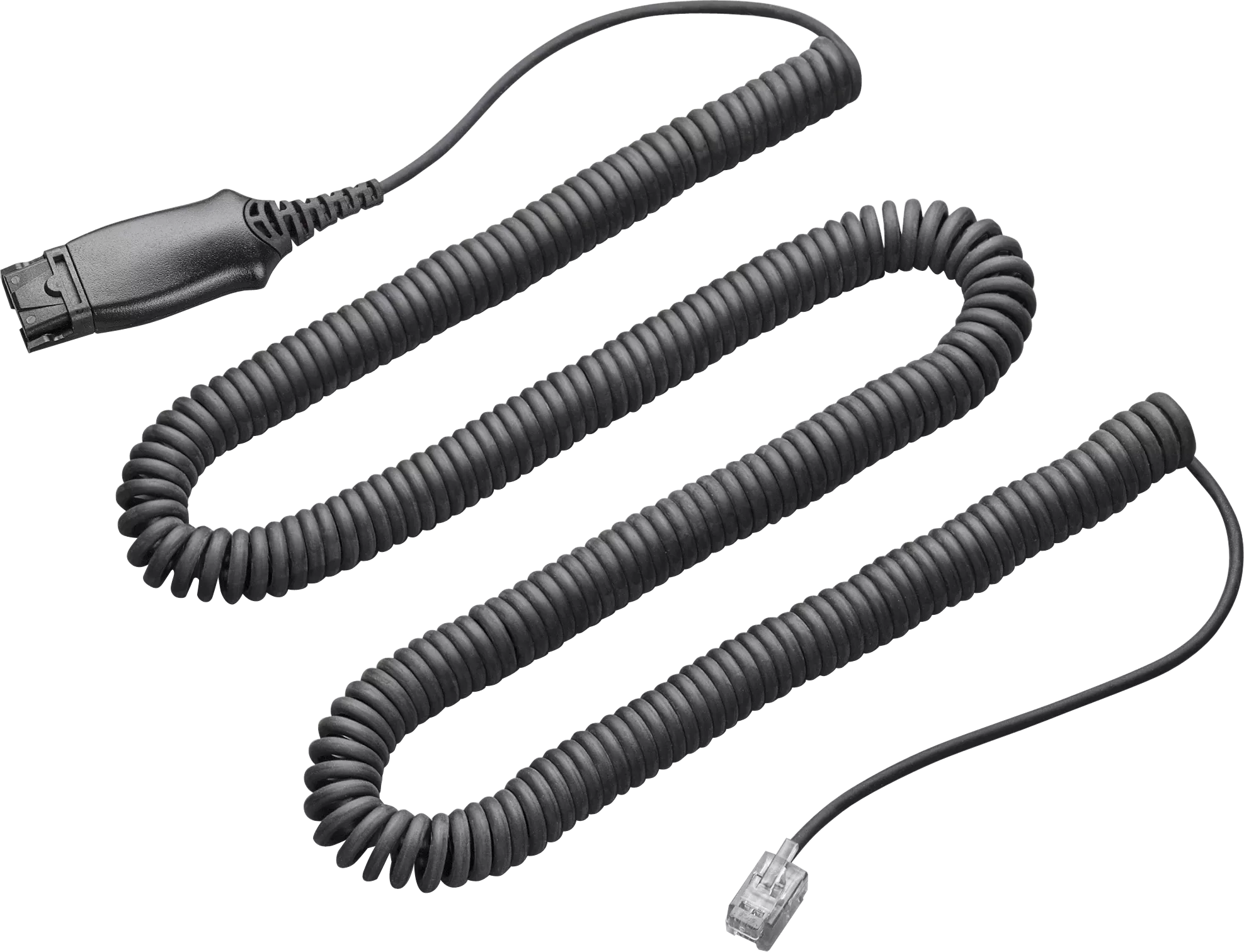
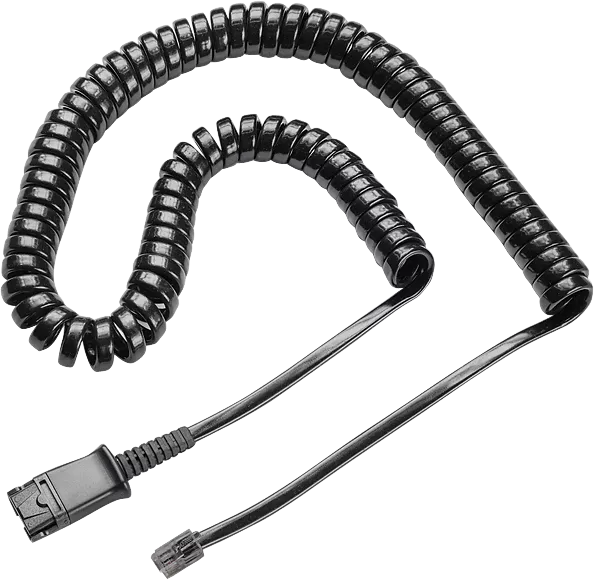
The Poly M22 Vista amplifier comes complete with a lightweight 10-foot coil cord for freedom of movement at your desk.
Poly M22 Vista Amplifier Features:
- The Poly (formerly Plantronics) M22 amplifier provides your best possible sound quality
- Great sound lowers listening errors, repeats, and listener fatigue
- Compatibility slide switch makes it work quickly with most phones
- Built-to-last provides a great return on your investment
- Coiled cable extends to give you 8-10 feet of reach
- Speaker volume dial to adjust your caller’s voice volume
- Microphone volume control so callers hear you perfectly
- Mute button to quickly shut off your mic for co-worker interactions
- Quick Disconnect allows you to easily disconnect from headset
- 2 AA batteries last for years – Optional A/C adapter sold separately
- FREE pair of AA batteries included
- FREE technical support with purchase
- Telephone cable, headset cable, battery, and side cover included
- Need help? Call us and talk to a Real Person!
Poly M22 Vista Amplifier Specifications:
- Wideband audio. When used with wideband VoIP system, the Vista M22 delivers enhanced audio and more natural speech.
- Loud noise protection. Reduces the level of incoming loud noises, such as fax tones or whistle blasts.
- Advanced echo management. Helps reduce echo often associated with VoIP telephony.
- Background noise reduction. Reduces the level of background noise picked up by the headset microphone, improving call quality.
- Call volume equalizer. Maintains user-selectable listening preferences regardless of the quality of the incoming call.
- Warranty: Two Years for Unsurpassed Durability
- Volume Control: Speaker and Microphone
- Mute Control: Push Button
- Power: 2 AA Batteries (Optional A/C Power Adapter Sold Separately)
- Compatibility: Any Poly/Plantronics H-Series Headset
- Model: M22
HP Version
- SKU: 85T20AA#AC3
- UPC: 197497579833
Former Poly Version
- SKU: 43596-64
- formerly 43596-40
- UPC: 017229124868
Poly M22 Vista Amplifier Replaced/Updated:
- Plantronics MX10 – SKU: 43404-31
- Plantronics AP15 VistaPlus – SKU: 79960-01
- Plantronics S12 Telephone Headset System – SKU: 65145-04 (Formerly 65145-01)
Amplifier Switch Setting Info:
1 = Very old phones (known as carbon phones – batteries not needed)
2 = AT&T Merlin
3 = AT&T Merlin
4 = Electret test setting (typically not usable)
5 = Most standard phones and default setting (batteries installed)
6 = Avaya Definity
7 = Cisco
Poly M22 Desk phone Amplifier Insider Info:
TECH REVIEW
When we demo any H-series headset, we always use the M22 Vista amplifier in lieu of a Direct Connect cable. The reason is an amplifier will be compatible with almost any phone, and it gives you complete volume control. Most phones have a speaker adjustment, but few, if any, have microphone volume control. With the M22 you control everything, so you and your caller hear each other perfectly.
The M22 amplifier also uses a compatibility switch so it’s quick and easy to find a setting to make your system work. This is especially useful for users that travel and plug into multiple telephones.
Have you ever had to interact with a co-worker and find yourself constantly trying to cover the mouthpiece of your handset? With the M22 amplifier, you have a mute button to take care of this problem, and it completely shuts off the microphone so you’ll have complete confidence your caller won’t hear your conversation.
The M22 uses two AA batteries for power that will last for years. It’s also good to know that as the batteries become weak, you will hear beeps in your headset to indicate a battery change is needed. You’ll have days, if not weeks, to replace the batteries and will only notice a slight decrease in quality.
HOW TO INSTALL
When using the M22 amplifier on older phones, you will plug the telephone cable (or pig-tail cable) into where your handset plugs into your phone. This typically means you will remove the handset from your phone to use your headset, and place the handset back in the cradle to hang up calls.
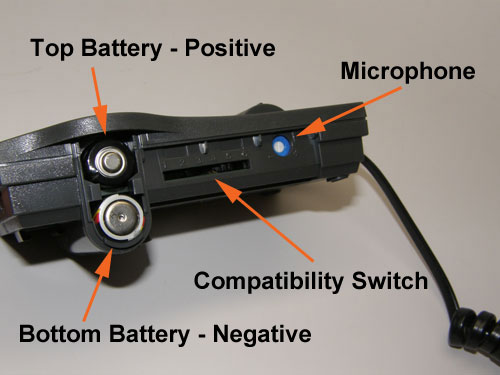
On newer phones with a headset port, you will use this port and typically push the ringing line or a headset button to initiate and terminate calls. Install 2 AA batteries in the side compartment (+ facing outward on the top battery and – facing outward on the bottom battery) and slide the battery cover into place.
Next start with the compatibility switch (located on the side) on setting 5, which is the most universal.
Plug your headset into the M22’s coiled cable at the Quick Disconnect connection and lift your handset (on older phones) or press an available line on newer phones. You should have a dial tone. If not, slide the compatibility switch to the other numbers labeled 1-6, using the white pick tool located on the bottom of the M22 amplifier, until you have a dial tone.
Once you have a dial tone, call a co-worker and adjust your microphone volume.
Once the compatibility switch and microphone volume settings are complete, slide the included cover over them to ensure they’re not accidentally changed. You are now set for years of use with your Poly M22 Vista amplifier.
HOW TO CLEAN
When cleaning your Poly/Plantronics M22 amplifier, always use non-alcohol chemicals or wipes. Using alcohol-based products over time will break down the cords making them very stiff and clumsy to use. You will want to wipe all plastic components and cables, but avoid saturating any openings where electronic components are in close proximity.
For the M22 amplifier, this will include around the speaker volume dial and other buttons located on the top of the amplifier. An old toothbrush works very well to clean dust build up from the groves in the casing.
When cleaning your M22 amplifier, also avoid sticking anything into the end of the Quick-Disconnect connection where the four metal contacts are located. This connection is made to last, and more damage than good will come if you try to clean it.
WHO USES THIS MODEL
The M22 amplifier is used by business professionals that require the best possible audio sound quality. It’s compatible with most phones, making your life much easier, versus using a Direct Connect cable, which requires determining compatibility and then hoping the volumes are adequate.
MORE DETAILS:
Looking at the amplifier in front of you…The single RJ9 jack in front of the amplifier (marked with a headset symbol) should have the coiled “quick disconnect” cord plugged into it. The other end is where you connect the headset.
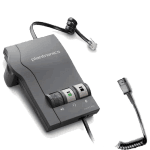 On top, to the left, you have a wheel with numbers to control the volume of what you hear through the speakers of your headset (it has a symbol of a speaker below it). Next to the volume wheel you have the button that turns on your headset (it has a symbol of a headset below it). The window in the button will show green (red on some older models) when “on” and black when “off.” Then you have the mute button next to that one, marked by luscious lips with a line across or a microphone with a line across. It too will show green (or red) when “on” and black when “off.”
Looking at the back of the Plantronics headset amplifier you have three jacks. The first one (round with a power symbol) is for an ac adapter, if you’re using one with your amplifier. The next one is an RJ9 jack marked with a handset symbol. It’s where you connect your…handset…once you’ve connected your amplifier to your phone, which brings us to the next RJ9 jack with the telephone symbol. There is a short cord with loops (that looks like a pigtail) that goes from this jack to your telephone handset jack.
Still looking at the Poly headset amplifier, on the left hand side there is a “U” shaped door. That’s where you put the batteries in, if you’re using batteries. Remember that the top battery has the positive end facing out and the bottom battery has the negative end facing out. If you look inside the chamber, you can see printed on the circuit board how they’re supposed to go in, as a reminder. Next to the battery compartment, there is a thin door (some have bumps and others have ridges). When you remove the door, you will find a scale with numbers 1-6 (newer M22’s will have a 7th position for Cisco phones) and a round blue and white dial with minus and plus signs. The scale is used to configure the amplifier to the phone. It comes preset to 5 since most phones use that setting. If you do not get a good dial tone, you may need to try one of the other settings. On some phones that work on setting #1 you may need to remove the batteries since they work without them. The blue and white dial controls the volume of your microphone or voice tube (- less volume, + more volume).
Reviews
There are no reviews yet.